Overview
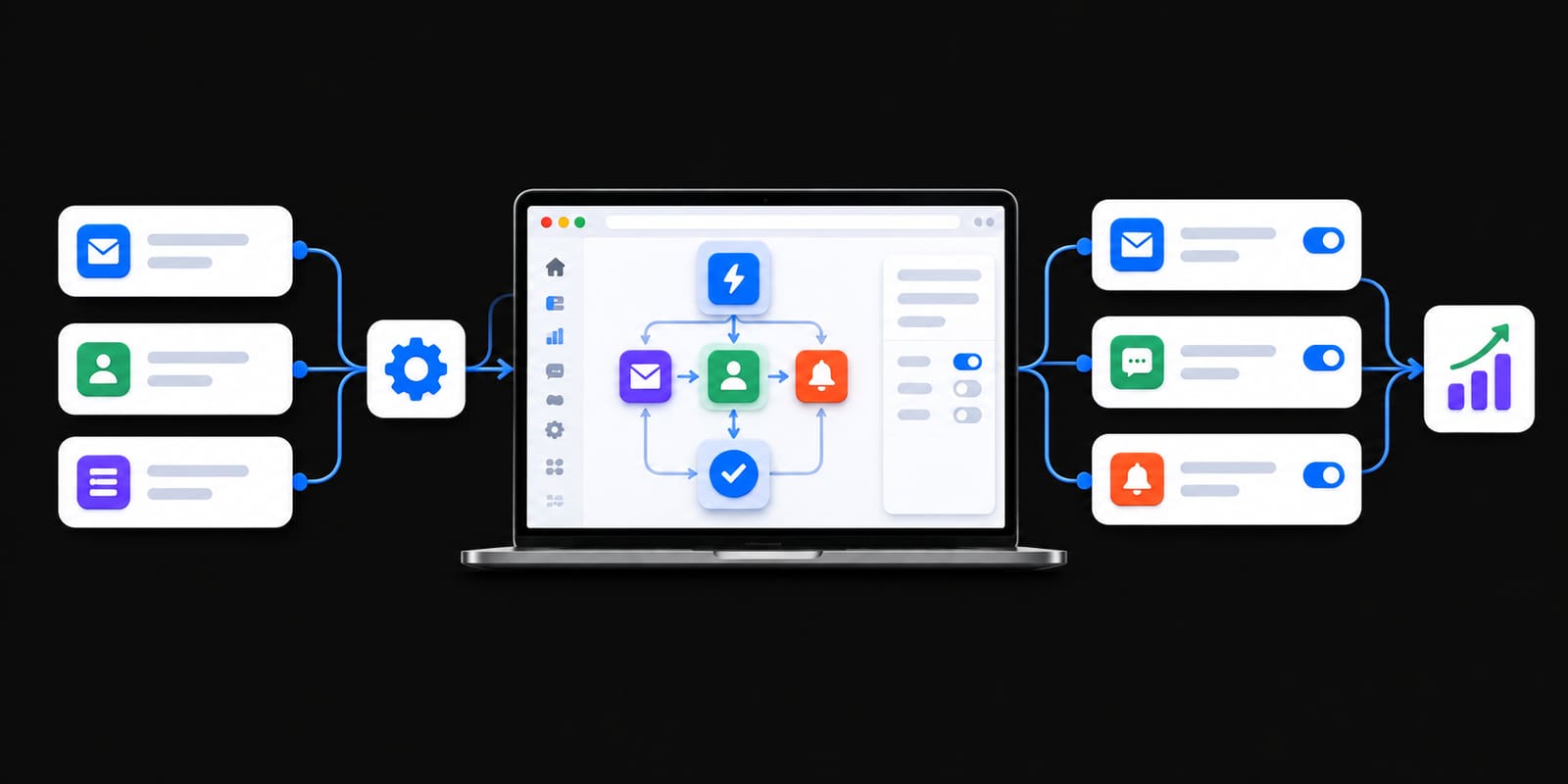
Custom workflow automation that connects your tools, removes repetitive manual work, and keeps data moving between systems without someone copying and pasting between tabs. Built around the tools you already use, not a rip-and-replace.
Hours
of manual work removed from a team's week, typically
0
copy-pasting between tools once it's live
24/7
automations run whether or not anyone's online
Every angle, covered
It starts with a of where time is going, builds for the repetitive parts, connects everything through so your stack talks to itself, keeps data flowing with , backed by so nothing fails silently, and documented with your team can actually maintain.
Why it works
Time your team gets back, every single week
Manual, repetitive work doesn't feel expensive day to day. It just quietly eats hours that never show up on an invoice. Automating it gives your team back the time for the part of the job that needs a person.
"We stopped noticing the busywork because it stopped existing."
- returned to the team every weekHours
- data sync across every connected toolReal-time
- so the system outlives the person who built itDocumented
How it works
Our approach
Audit
Mapping current workflows to find exactly where manual, repetitive work is costing time.
- Map your current workflows
- Find where time gets lost
- Flag manual, repetitive work
You get
Process & time audit
Design the automation
Deciding what should run automatically and what still needs a human in the loop.
- Decide what runs automatically
- Keep humans where they matter
- Draft the automation blueprint
You get
Automation blueprint
Build & connect
Tools wired together and tested against real data, not a demo environment.
- Connect your tools together
- Test against real data
- Wire up live integrations
You get
Live tool integrations
Monitor & refine
Automations watched after launch and adjusted as your workflows change.
- Watch automations after launch
- Adjust as workflows change
- Keep everything running smoothly
You get
Ongoing monitoring
Frequently asked
Anything repetitive and rule-based: data entry, status updates, notifications, report generation, moving information between tools. The process audit tells us exactly which parts of your workflow are worth automating first.
Yes. Automation is built around your existing stack through tool integrations, not a rip-and-replace of software your team already knows and relies on.
Monitoring and alerts are part of the build, so a failure gets flagged immediately instead of being discovered days later when something's already gone wrong downstream.
No. Every automation ships with real handover documentation your team can use, so it doesn't depend on us being the only people who understand how it works.